
Renew Certificate with different Terms:
Allow users to renew an existing certificate in its grace period by selecting a new term. The original certificate is updated in-place with the new term, interest rate, and maturity date
Below is a sample flow:
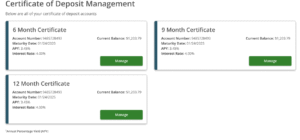
- We will show all the available certificates of the current user
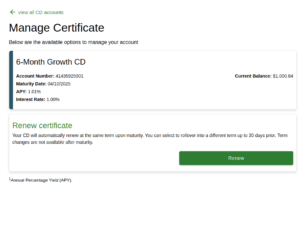
- The ‘Renew Certificate’ option will be displayed only for certificates in the grace period, enabling users to renew them
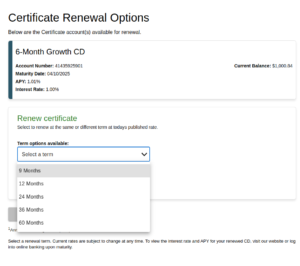
- Upon selection, users will be presented with available renewal terms (e.g., 6 months, 12 months, etc.)
- When a term is selected, the corresponding interest rate and annual percentage yield (APY) will be displayed.
- A confirmation popup will appear, enabling users to review the renewal details before proceeding.
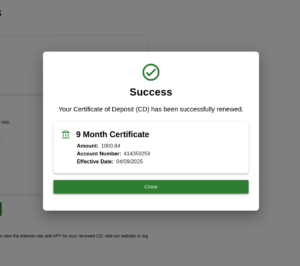
-
When the user confirms:
-
The existing certificate is updated in-place:
-
New term applied
-
New interest rate and APY saved
-
Maturity date recalculated
-
Effective date reset to today (or per business rule)
-
-