
When you click the Edit icon or the Create button, you will be redirected to the Configure page.
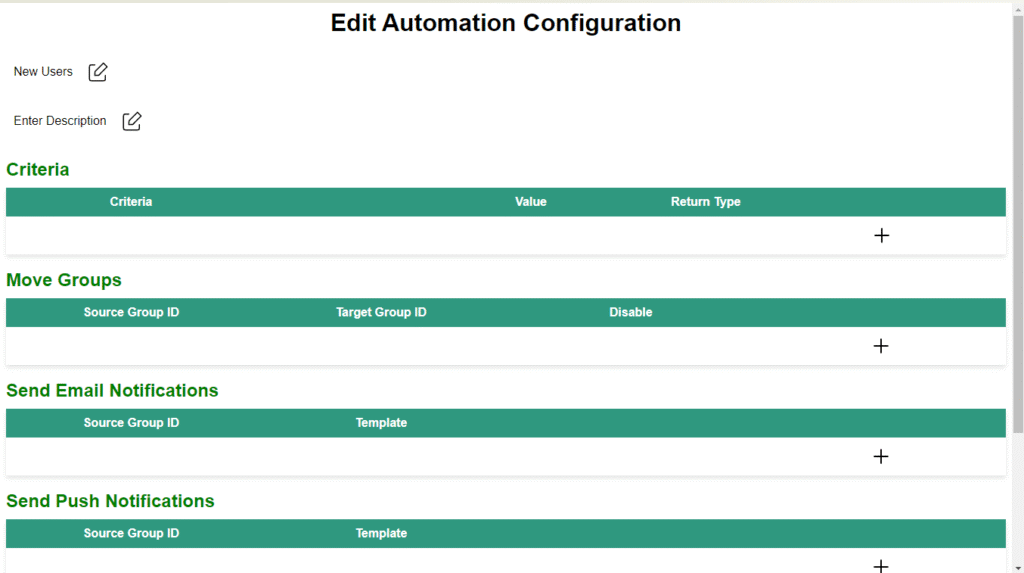
On this page, you can add or update various fields, including:
- Title
- Description
- Criteria
- Actions
- Execution Time Interval (in days)
These fields allow you to define and customize the automation settings as needed.
Edit automation configuration interface appears as follows:

To return to the dashboard, click the OK button.