
What is Device Registration?
Device Registration ensures that only trusted, verified devices can access sensitive business accounts. Using Symantec VIP, employees register their devices with a unique credential ID—adding an extra layer of protection to your login process.
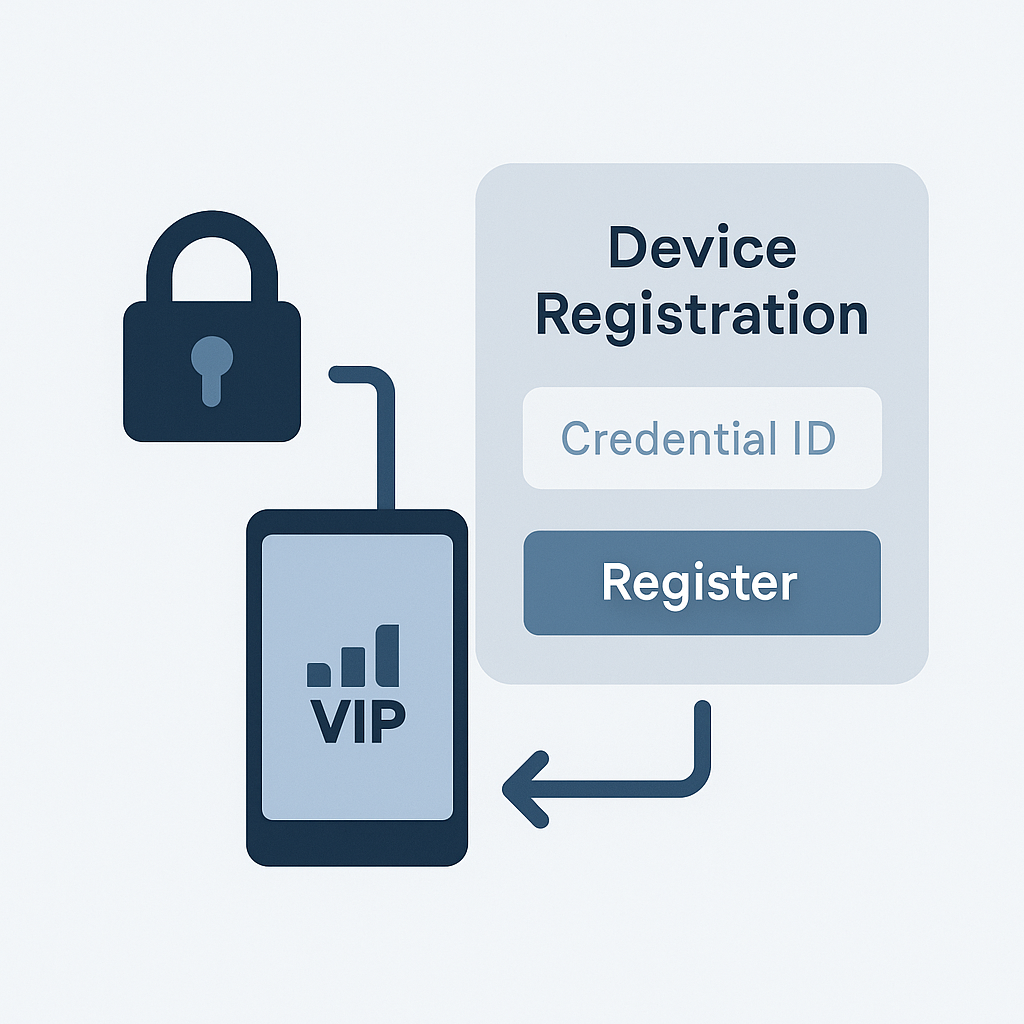
How Device Registration Works:
- Secure Login Setup: Employees install the VIP Access App and generate a unique Credential ID.
- Credential Submission: Users enter their Credential ID into the registration interface to link their device.
- Access Restriction: Only registered devices are allowed to log in—unauthorized devices are blocked automatically./li>
- Integrated with Login Settings: Device registration is managed directly from the security preferences panel, alongside password and access code settings.
Key Benefits:
- Enhanced Security: Prevent unauthorized access by enforcing device-level authentication.
- Streamlined Experience: Registration is quick and intuitive—no need for manual approvals or IT intervention.
- Centralized Control: Admins can monitor and manage registered devices from a unified dashboard.
- Compliance Ready: Meets enterprise-grade security standards for regulated industries.
Highlights:
- Register devices using Symantec VIP Credential ID.
- Restrict access to verified employee devices only.
- Integrated with login settings and security preferences.
- Real-time device validation and enforcement.
- Built for secure, scalable, and compliant access control.