
What is Access Privileges Management?
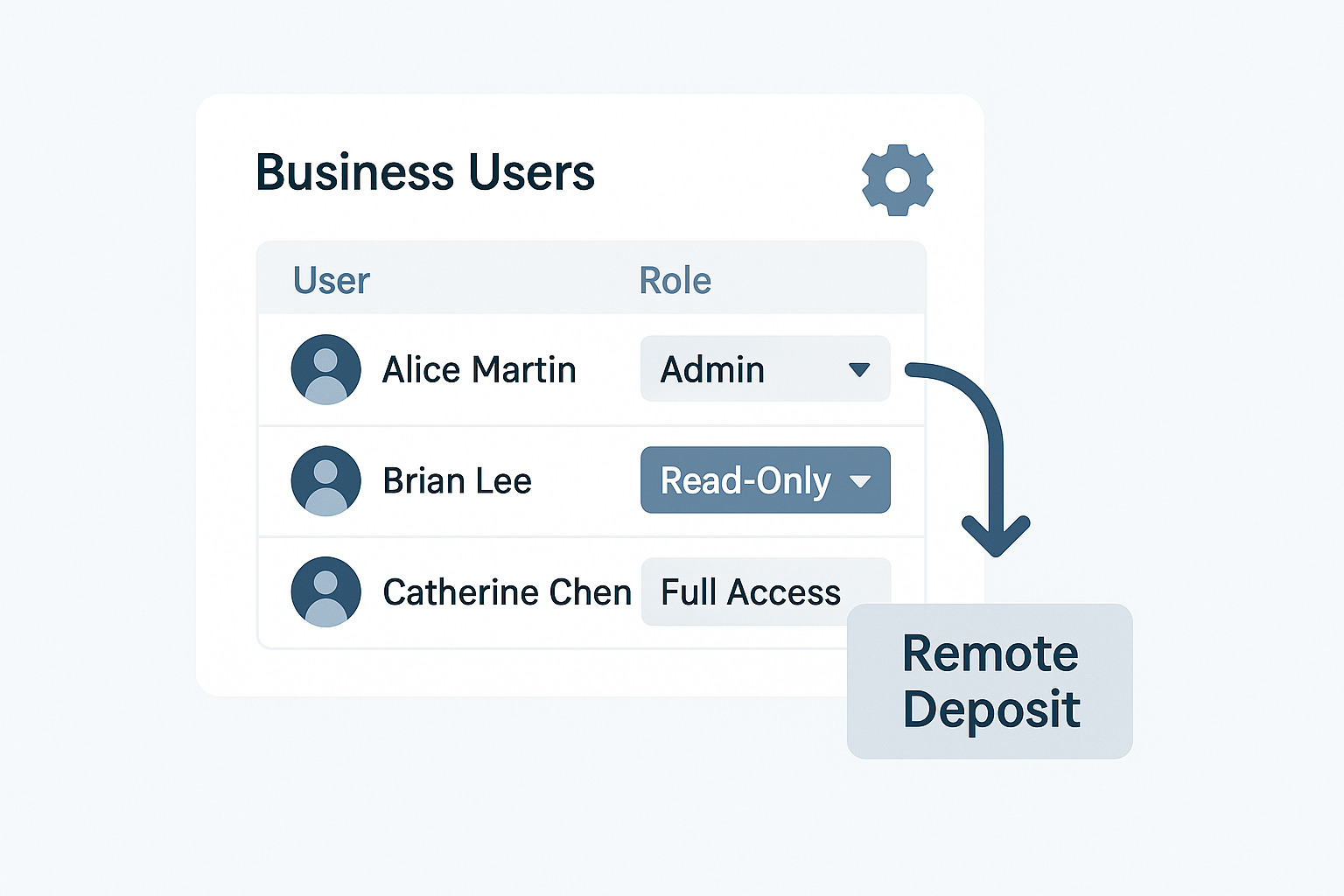
This feature allows business accounts to assign and control user roles—such as admin, read-only, or full-access—across various banking functions. Admins can manage team access to sensitive modules like remote deposit, ensuring operational clarity and security.How It Works:
Multi-User Business Accounts
Each business account can include multiple users with distinct roles (e.g., admin, finance, operations).Role-Based Access Control
Admins can assign or update roles for each user, determining what features they can view or modify.Remote Deposit Role Management
Specific privileges—like read-only or read/write access—can be granted for modules such as remote deposit.Real-Time Updates
Changes to user roles and access levels are applied instantly, with audit trails for compliance.Key Benefits:
Granular Control
Admins can fine-tune access for each user, reducing risk and improving accountability.Streamlined User Management
Add, edit, or remove users directly from the dashboard—no need to contact support.Secure Role Assignment
All changes are logged and protected by secure authentication protocols.Operational Efficiency
Teams get the access they need—nothing more, nothing less.Built for Clarity, Control, and Compliance.
01
Manage multiple users under one business account.
02
Assign roles like admin, read-only, or full-access.
03
Control access to modules like remote deposit.
04
Real-time updates with secure audit trails.
05
Designed for clarity, control, and compliance.