
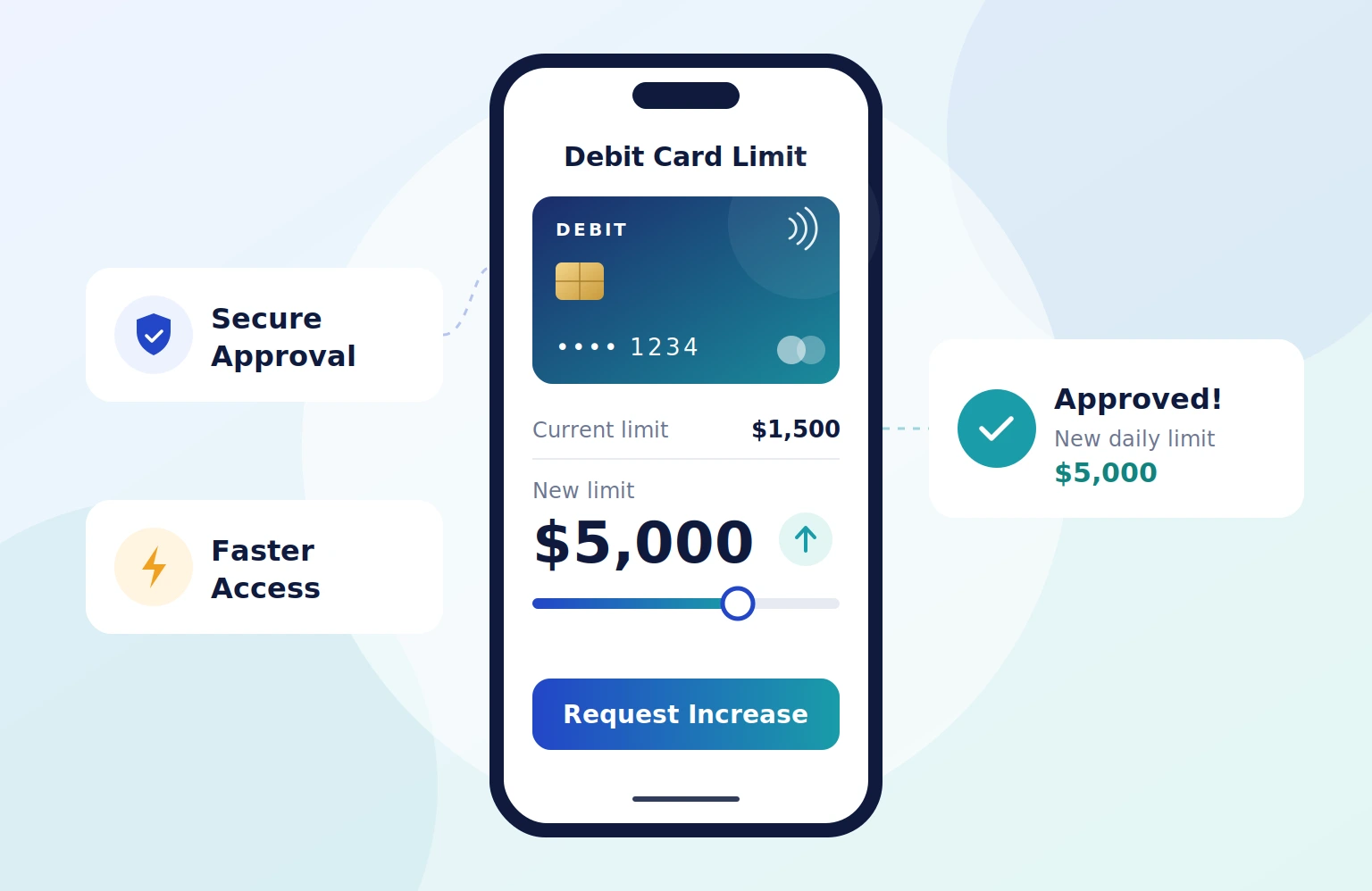
What is Debit Card Limit Enhancement?
Debit Card Limit Enhancement allows users to request an increase in their daily spending or withdrawal limits on a debit card. This feature is useful for handling high-value purchases, travel expenses, or urgent financial needs.A Simple, Controlled Limit Enhancement Process
Users can request a higher debit card limit directly through Amplifi, while approval workflows and predefined rules help ensure each request is reviewed securely and efficiently.
01
User Login
Employees access Amplifi using corporate credentials through Okta, Azure AD, or Google Workspace.
02
Navigate to Limit Request
The user selects “Debit Card Limit Enhancement” from the Amplifi dashboard.
03
Submit Request
The user enters the desired limit and provides a justification such as travel or business needs.
04
Approval Workflow
The request is routed to the appropriate approver or automatically reviewed based on predefined rules.
05